

Enable Customers To Buy & Sell Digital Assets
Let customers pay in local currency and receive digital assets or pay in digital asset and receive local currency.
Overview
Enable customers to buy and sell cryptocurrency with local currency. Yellow Card's fiat-crypto infrastructure lets you receive local currency payments from customers to convert to digital assets (Stablecoins, Bitcoin, Ethereum, etc.) and send directly to their private wallet addresses, or receive cryptocurrency from customers to convert and pay out in local currency - creating seamless on-ramp and off-ramp experiences for your users.
How it works:
Buy: Customer pays in local currency → Funds received → Convert to digital assets → Send to customer's private wallet address.
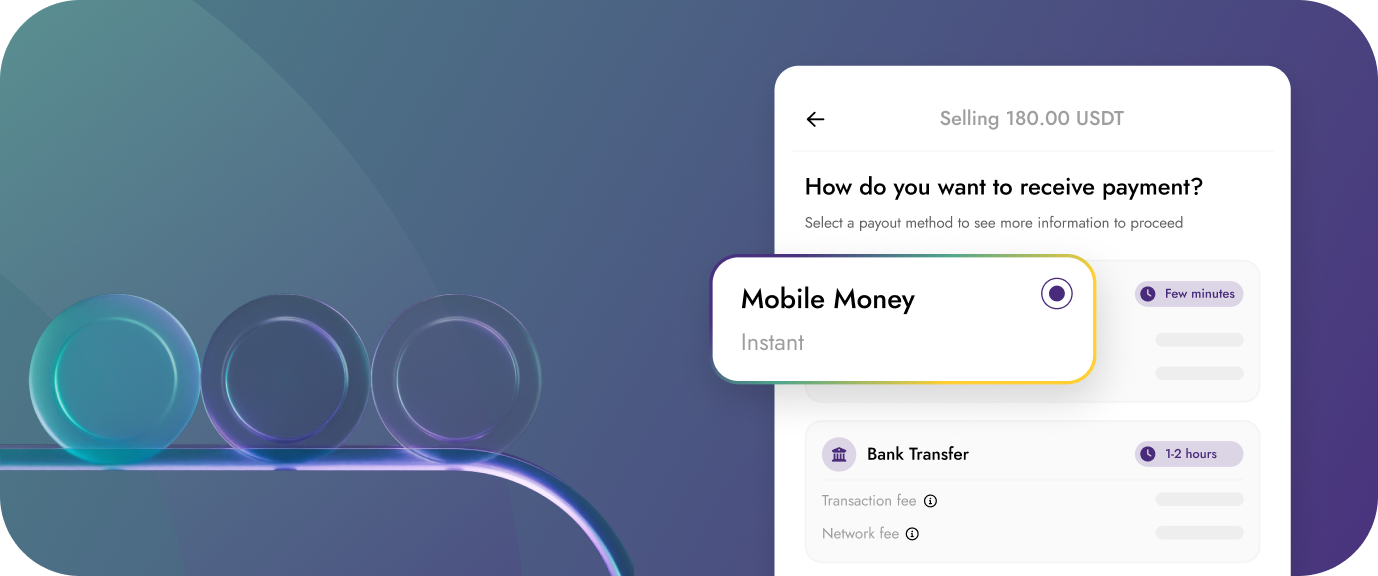
Sell: Customer pays in digital asset -> Funds received -> converted to local currency -> Local currency value paid to customer via preferred payment option.
Key Benefits:
- Easy crypto on & off ramp: Let customers buy and sell crypto with local payment methods they trust
- 50+ fiat currencies: Accept payments in local currencies across emerging markets
- Multiple payment methods: Bank transfers, mobile money, and more
- Wide crypto selection: Support Bitcoin, Ethereum and Stablecoins
- 30+ blockchains: Send assets on customer's preferred blockchain
- Compliance built-in: Meet regulatory requirements automatically
- Competitive rates: Transparent pricing with real-time exchange rates
- Direct-to-wallet delivery: No intermediate custody - assets go straight to customer's wallet
Who This Is For
- Crypto exchanges providing local currency on and off ramps
- Wallet providers enabling fiat-to-crypto purchases & sells
- Investment platforms helping users buy & sell digital assets
- Remittance services sending crypto instead of fiat
- DeFi platforms onboarding users with fiat payments
- Fintech apps adding crypto buy & sell features
Step-by-Step Guide to Enable Customers to Buy Digital Assets
This functionality uses the direct settlement flow here. In this guide we'll go over the steps needed to use the direct settlement feature of the API.
For enabling your customers to buy cryptocurrency, you'll need to create a receive request and specify the customer's cryptocurrency wallet address. The customer then receives a bank account number to make local currency payment into. On completion of local currency received from the customer, we initiate a cryptocurrency payout to the customer's wallet.
Step 1: Create a Receive Request
Confirm the amount your customer will be paying in their local currency, what crypto currency they want to receive, and get a conversion quote by Submitting a Receive Request
Request body to enable direct settlement flow
You'll need to pass this data to the collection request body:
{
  "directSettlement": true, // setting this to true will require passing wallet adddress info
  "settlementInfo": {
    "cryptoCurrency": "USDC",
		"cryptoNetwork": "SOL",
		"walletAddress": "customers-usdc-sol-deposit-address" // address that receives the crypto currency
	}
}
Step 2: Listen to webhook events
You can use webhook events to track the transaction status, from when local currency receive is complete, to when we initiate the cryptocurrency send, to when cryptocurrency send is successful.
COLLECTION.COMPLETEevent indicates a successful local currency receive after we've conducted internal fraud and compliance checks.
COLLECTION.SETTLEMENT_PROCESSING event indicates on-chain processing of the crypto send.
COLLECTION.SETTLEMENT_COMPLETE event indicates a complete crypto send to the customer's wallet address. The webhook data at this point also includes a transaction hash as a proof of successful crypto payment.
Step-by-Step Guide to Enable Customers to Sell Digital Assets
This functionality also uses the direct settlement flow here. In this guide we'll go over the steps needed to use the direct settlement feature of the API.
For enabling your customers to sell cryptocurrency, you'll need to create a send request and specify the customer's bank account details as destination. The customer receives a crypto currency wallet address. On completion of on-chain transfer to the returned wallet address, we initiate a fiat send to the customer's bank account / mobile money wallet.
Step 1: Create a Send Request
Confirm the amount your customer will be receiving in their local currency, what cryptocurrency and network they want to make a send through, and get a conversion quote by Submitting a Send Request
Request body to enable direct settlement flow
You'll need to pass this data to the send request body:
{
  "directSettlement": true, // setting this to true will require passing wallet adddress info
  "settlementInfo": {
    "cryptoCurrency": "USDC",
		"cryptoNetwork": "SOL",
	}
}
Step 2: Listen to webhook events
You can use webhook events to track the transaction status, from when crypto on-chain receive is complete, to when we initiate the fiat send, to when fiat send is successful.
PAYMENT.PENDING_SETTLEMENT - event indicates transaction quote has been approved and we're now awaiting customer's crypto payment.
PAYMENT.SETTLEMENT_PROCESSING event indicates on-chain processing of the customer's fiat payment.
PAYMENT.COMPLETE event indicates a complete fiat send to the customer's bank account / mobile money wallet.
Updated 3 months ago