

Enable Full Digital Asset Wallet Functionality
Offer complete digital asset management for your business or customers
Overview
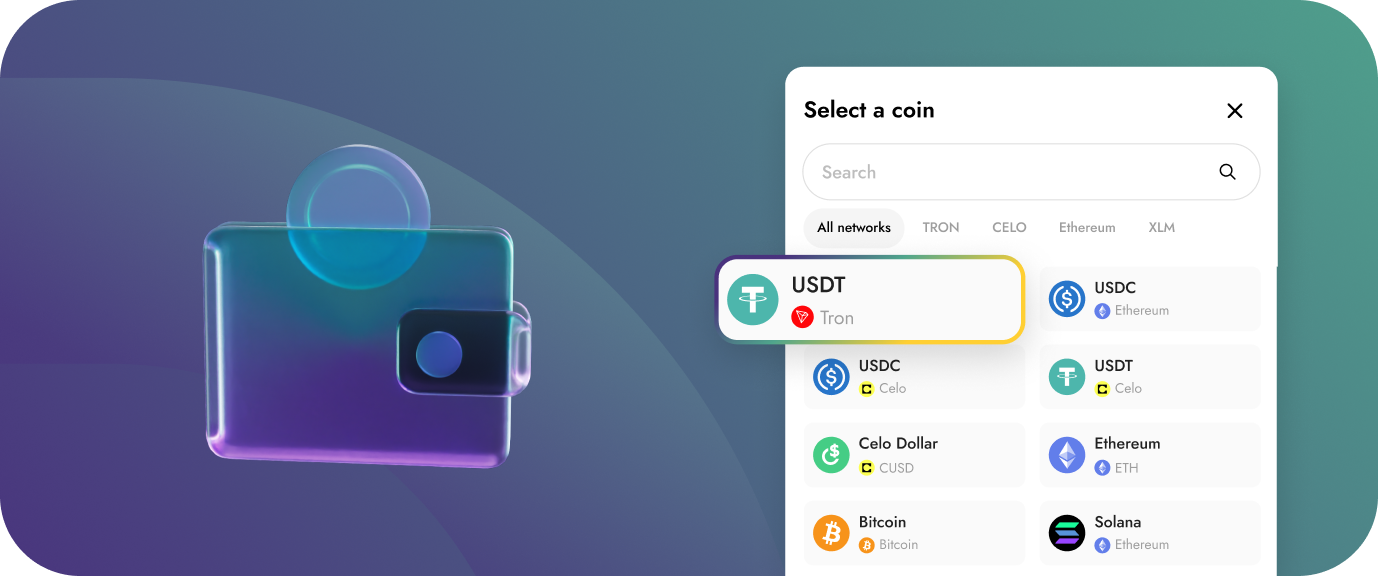
Offer complete digital asset management capabilities to your business or customers without building crypto infrastructure from scratch. Yellow Card's wallet infrastructure lets you generate digital wallets and sub-wallets (Custom wallets) for buying, selling, sending, receiving, and saving cryptocurrencies across 30+ blockchains. Choose between Yellow Card custody (we handle security and compliance) or self-custody (you maintain full control of private keys).
How it works:
Create wallets/custom wallets → Your Business or customers buy, sell, send, receive crypto → Choose custody model → Manage all assets through one API
Key Benefits:
- Create wallets: Enable the issuance of wallets for your business and treasury needs
- Custom wallet architecture: Create unlimited sub-wallets for different customers or purposes
- Multiple assets: Stablecoins, major cryptocurrencies, and popular tokens
- Flexible custody: Choose custodial or self-custody based on your needs
- Send/Receive Funds: Move funds from your wallets and sub-wallets without worrying about the blockchain complexities
- Query wallet balances: Track asset holdings across your wallets and sub-wallets
Who This Is For
- Neobanks and fintechs adding crypto wallet features
- Crypto exchanges building trading platforms
- Web3 platforms needing user wallet infrastructure
- Investment apps offering crypto portfolio management
- DeFi platforms requiring wallet integration
- Corporate treasury teams managing digital asset holdings across multiple assets and chains
- International businesses holding and moving crypto reserves for operational efficiency
Step-by-Step Guide to Enable Digital Asset Wallets
Step 1: Create a vault
A Vault is the primary organizational containers for managing digital assets. To create digital asset wallets for your customers, you need to first create and assign a vault to the customer.
Step 2: Check available asset config
Check out list of supported crypto currency and their network to confirm the digital asset you're looking to create for your customer is available.
Here is a a sample USDC config object from the asset config endpoint and a second tab showing what the supported networks list for USDC looks like
[
  {
    "code": "USDC",
    "resources": [
      {
        "type": "file_url",
        "content": "https://f.hubspotusercontent30.net/hubfs/9304636/PDF/centre-whitepaper.pdf",
        "id": "WHITEPAPER"
      }
    ],
    "zones": [
      "stablecoins"
    ],
    "updatedAt": "2024-12-06T07:13:13.561Z",
    "networks": {}, // Supported networks object
    "createdAt": "2024-12-06T07:13:13.561Z",
    "isUTXOBased": false,
    "description": "USDC is a stablecoin, pegged 1:1 to the US$. Created by Circle & Coinbase, each USDC unit in circulation is backed by $1 held in reserve, consisting of a mix of cash and short-term U.S. Treasury bonds.<br /><br />Join the USDC ecosystem and enjoy the benefits of stability and peace of mind as you make digital transactions with confidence! 🛡️",
    "id": "usd-coin",
    "name": "USD Coin",
    "defaultNetwork": "ERC20"
  }
]
{
"XLM": {
"nativeAsset": "XLM",
"chainCurrencyId": "USDC",
"addressRegex": "^G[A-Z2-7]{55}$",
"requiresMemo": true,
"activities": [
"SEND",
"RECEIVE"
],
"explorerUrl": "https://blockchair.com/stellar/transaction/__TX_HASH__",
"name": "Stellar",
"enabled": true,
"network": "XLM"
},
"SOL": {
"nativeAsset": "SOL",
"chainCurrencyId": "USDC",
"addressRegex": "^[1-9A-HJ-NP-Za-km-z]{32,44}$",
"requiresMemo": false,
"activities": [
"SEND",
"RECEIVE"
],
"explorerUrl": "https://explorer.solana.com/tx/__TX_HASH__",
"name": "Solana",
"enabled": true,
"network": "SOL"
},
"CELO": {
"nativeAsset": "CELO",
"chainCurrencyId": "USDC",
"addressRegex": "^(0x)[0-9A-Fa-f]{40}$",
"requiresMemo": false,
"activities": [
"SEND",
"RECEIVE"
],
"explorerUrl": "https://celoscan.io/tx/__TX_HASH__",
"name": "Celo",
"enabled": true,
"network": "CELO"
},
"ERC20": {
"nativeAsset": "ETH",
"chainCurrencyId": "USDC",
"addressRegex": "^(0x)[0-9A-Fa-f]{40}$",
"requiresMemo": false,
"activities": [
"SEND",
"RECEIVE"
],
"explorerUrl": "https://etherscan.io/tx/__TX_HASH__",
"name": "Ethereum",
"enabled": true,
"network": "ERC20"
},
"BASE": {
"nativeAsset": "OP",
"chainCurrencyId": "USDC",
"addressRegex": "^(0x)[0-9A-Fa-f]{40}$",
"requiresMemo": false,
"activities": [
"SEND",
"RECEIVE"
],
"explorerUrl": "https://basescan.org/tx/__TX_HASH__",
"name": "Base",
"enabled": true,
"network": "BASE"
}
}Step 3: Generate receive address
You can generate a receive address for each supported crypto asset in a vault you have created and assigned to your customer.
Your customer will be able to send digital assets from any external wallet to these addresses.
Step 4: Send to external wallets
You can create on-chain send transactions using the Create Send endpoint, this allows you send digital assets to any crypto wallet anywhere in the world.
In your request body, specify what vault you're sending out of and which external wallet address you intend to send to, we handle all the blockchain complexities and notify you about the status of your transaction via webhooks.