

Pay Global Suppliers & Invoices
Settle international invoices without expensive wire transfers
Overview
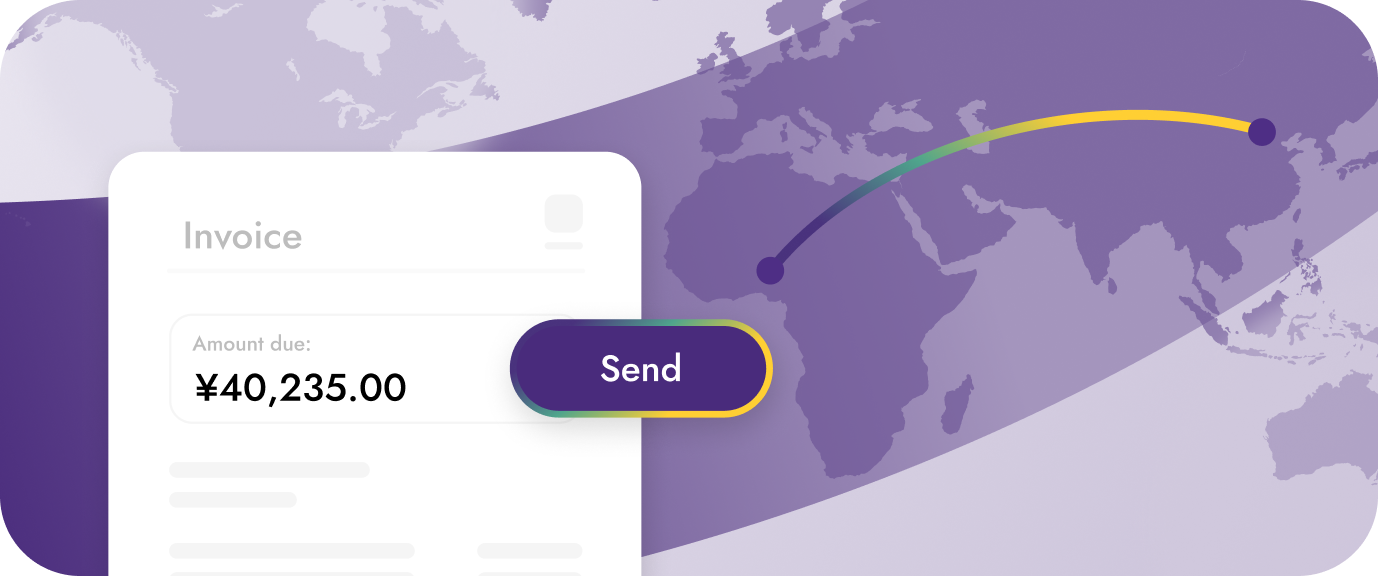
Settle international invoices and pay global suppliers without the high costs and delays of traditional wire transfers. Yellow Card's infrastructure lets businesses pay suppliers worldwide by depositing local currency, which converts to Stablecoins for instant transfer, then pays out in the supplier's local currency - eliminating expensive SWIFT fees and multi-day processing times.
How it works:
Your business deposits local currency → Converts to USD Stablecoins → Transfers instantly → Converts to supplier's local currency → Supplier receives payment in their preferred method.
Key Benefits:
- Lower costs: 2-3% vs 3-7% with traditional wire transfers + SWIFT fees ($25-$50 per transaction)
- Faster payments: Minutes to hours instead of 3-7 business days
- Transparent pricing: Know exact costs and exchange rates upfront
- Global reach: Pay suppliers in 50+ currencies across nearly 200 countries
- No correspondent banking fees: Bypass intermediary bank charges
Who This Is For
- E-commerce businesses paying international suppliers and manufacturers
- Import/export companies settling cross-border invoices
- Marketplaces disbursing to global sellers and vendors
- Agencies paying freelancers and contractors worldwide
- SaaS companies settling international vendor invoices
- Procurement platforms managing global supplier payments
- Manufacturing businesses with international supply chains
Step-by-Step Guide to Pay Global Suppliers & Invoices
Step 1: Create a Receive Request
- First, collect funds from your customer or internal account in your local currency by Submitting a Receive Request
- Make the payment to the provided bank details from your business account.
Step 2: Monitor Receive Completion
- Set up a webhook to be notified when your payment is received
- Your local currency has been received and converted to USD Stablecoins, ready to send to your supplier.
COLLECTION.COMPLETEevent indicates successful local currency collection after we've conducted internal fraud and compliance checks.
Step 3: Create Send to Your Supplier
Now pay your supplier in their local currency by Submitting a Send Request
Step 4: Payment Completion Confirmation
- Monitor the payment status via a webhook.
- Your supplier has received the funds in their local currency bank account.
PAYMENT.COMPLETEevent indicates successful local currency payment after we've conducted internal fraud and compliance checks.
Step 5: Handle Send Reconciliation
Retrieve full transaction details for your accounting by Lookup Receive and Lookup Send